Trying the demo
The five demo groups, how to ask for a demo account, what a demo viewer can open, and the public reporting demo that needs no account.
On this page
The demo lets you see CFO Panorama at work on five sample groups with several years of monthly data. You can look without an account in the public reporting demo, or ask for a demo account and open the full application as a viewer.
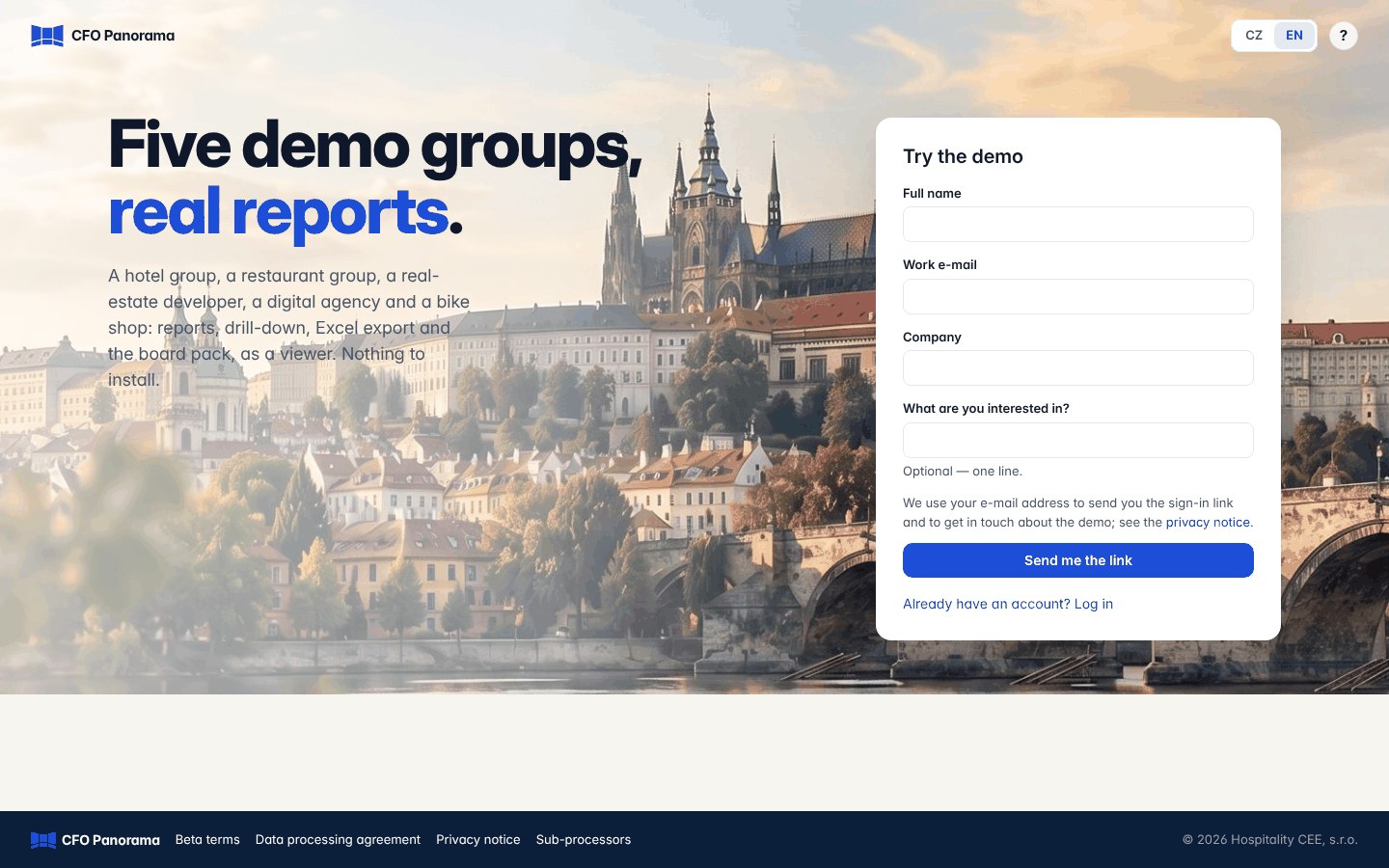
The five demo groups
| Group | What it is | What to look at |
|---|---|---|
| Vltava Hospitality | A hotel group: holding company, property company and the company that runs the hotel | USALI hotel P&L, eliminations between the three companies, budgets, occupancy and RevPAR |
| Casa Pizzano | Three restaurants under common control | The restaurant P&L, covers and spend per guest, a locked period that was restated |
| Rokytka Development | A real-estate developer: holding, development company, a hotel property and operating company, two project companies | Scopes ("Hotel", "Development pipeline"), eliminations of unrealised profit, the project report |
| Kvadrant Digital | A digital agency, one company | A services P&L and ratios |
| Cyklo Letná | A bike shop with a service workshop, one company | A retail P&L, stock and ratios |
The demo groups carry the tag Sample next to their name in the group switcher. Their data is demo data only.
Asking for a demo account
- On the Log in page click Try the demo (or Request a demo account on the website).
- Fill in Full name, Work e-mail and Company. What are you interested in? is optional — one line.
- Click Send me the link.
- Check your inbox: an e-mail with a link to set your password is on its way. The link works once and for 72 hours.
- Set your password and sign in. You start in Vltava Hospitality and can switch to the other demo groups in the top bar.
A demo viewer does not need two-factor authentication. You can still switch it on under Security in your user menu.
What you can do as a demo viewer
You are a viewer in every demo group. You can:
- open Home, Reports with every statement, drill down from any figure to the postings, and download Excel and PDF;
- generate the Board pack and open the Boardroom and the owner Overview;
- open Open items;
- open Companies, each company's page and Intercompany balances (only demo viewers get these pages; in your own client group, viewers see the reports only).
Sample data is read-only. Uploading, mapping, posting journals, locking periods and changing settings are refused with the page Sample data is read-only: … is a sample group with demo data. You can open every report and page, but nothing can be changed. Click Back to the application to continue.
The public reporting demo — no account needed
The website's reporting demo (Explore the numbers.) runs the real report engine on three of the demo groups.
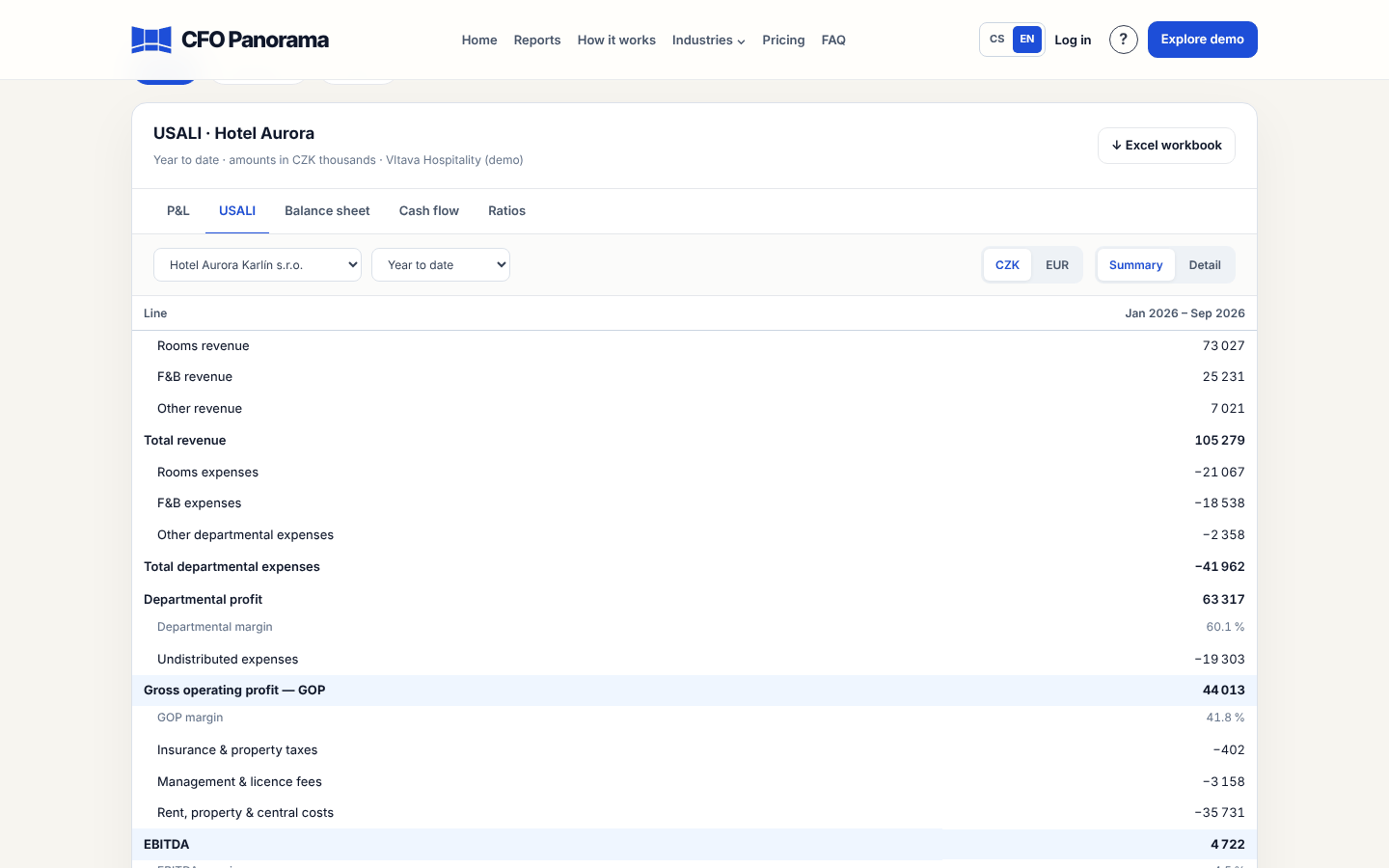
- Choose the industry: Hotels (Vltava Hospitality), Restaurants (Casa Pizzano) or Services (Kvadrant Digital).
- Choose the statement tab: P&L, the industry statement (USALI for the hotels, Restaurant P&L for the restaurants), Balance sheet, Cash flow or Ratios.
- Pick the company or Whole group (with eliminations), and the period: Year to date, Latest month or Previous full year.
- Switch the currency between CZK and EUR, and the view between Summary and Detail.
- ↓ Excel workbook downloads all statements of that company, period and currency in one file.
Amounts on the screen and in the file are in thousands. The demo opens on one operating company in Summary view; the group total is one choice away.
Good to know
- The demo groups come with the demo access: they cannot be left one by one under My groups.
- Nothing you do in a demo group changes its data, so you cannot break anything.
- To try CFO Panorama on your own POHODA or Money S3 data, contact us; your own group is a client group with its own onboarding.
Did not find what you need? Write to erik@cfopanorama.com.