Platform access log
When and how CFO Panorama support can enter your group to diagnose a problem, and where your admins see every request they made.
On this page
To solve a problem in your group — an import that fails, a figure that looks wrong — CFO Panorama's support may need to see what you see. Platform access lets a small number of CFO Panorama platform users open your group to diagnose it, without being added as members. Every time they do, it is written down, and your admins can read the full record under Settings → Platform access log.
What platform access means
- Who. Only CFO Panorama's platform superusers. Other CFO Panorama staff cannot open a client group they are not a member of.
- How. They sign in with a password and an authenticator code. To work in your group their last code must be younger than 12 hours; otherwise they have to enter a new one before anything is shown.
- What they can do. They work in the group as an admin would — for example to re-run an import or correct a mapping at your request. They never appear on your member list and never count as a member.
- What they cannot do. Accepting or re-accepting the terms, confirming a company under the agreement, ratifying and requesting deletion of your data remain your own acts; they are refused on platform access.
- When. For the purposes your data processing agreement allows — the published versions differ; see Support access and data handling.
While a platform user is in your group, their own top bar shows a chip Platform access — [your group] as a reminder that every request is recorded.
What you see
The log lists the entries newest first, 50 per page (Newer / Older to page through). Times are Europe/Prague.
| Column | Meaning |
|---|---|
| Date and time | When it happened. |
| Platform user | The name and e-mail of the person who entered. |
| What | Opened the group when they chose your group, Request for each page or action. |
| Method | GET for opening a page; POST (and similar) for an action that changes something. |
| Page | The address of the page in the application. |
| Status | The answer of the server, for example 200 (shown) or 302 (forwarded after an action). |
Opening a page is recorded at most once per page and minute; every action is always recorded. Actions they take also appear in the group's audit log with a mark that they were made on platform access.
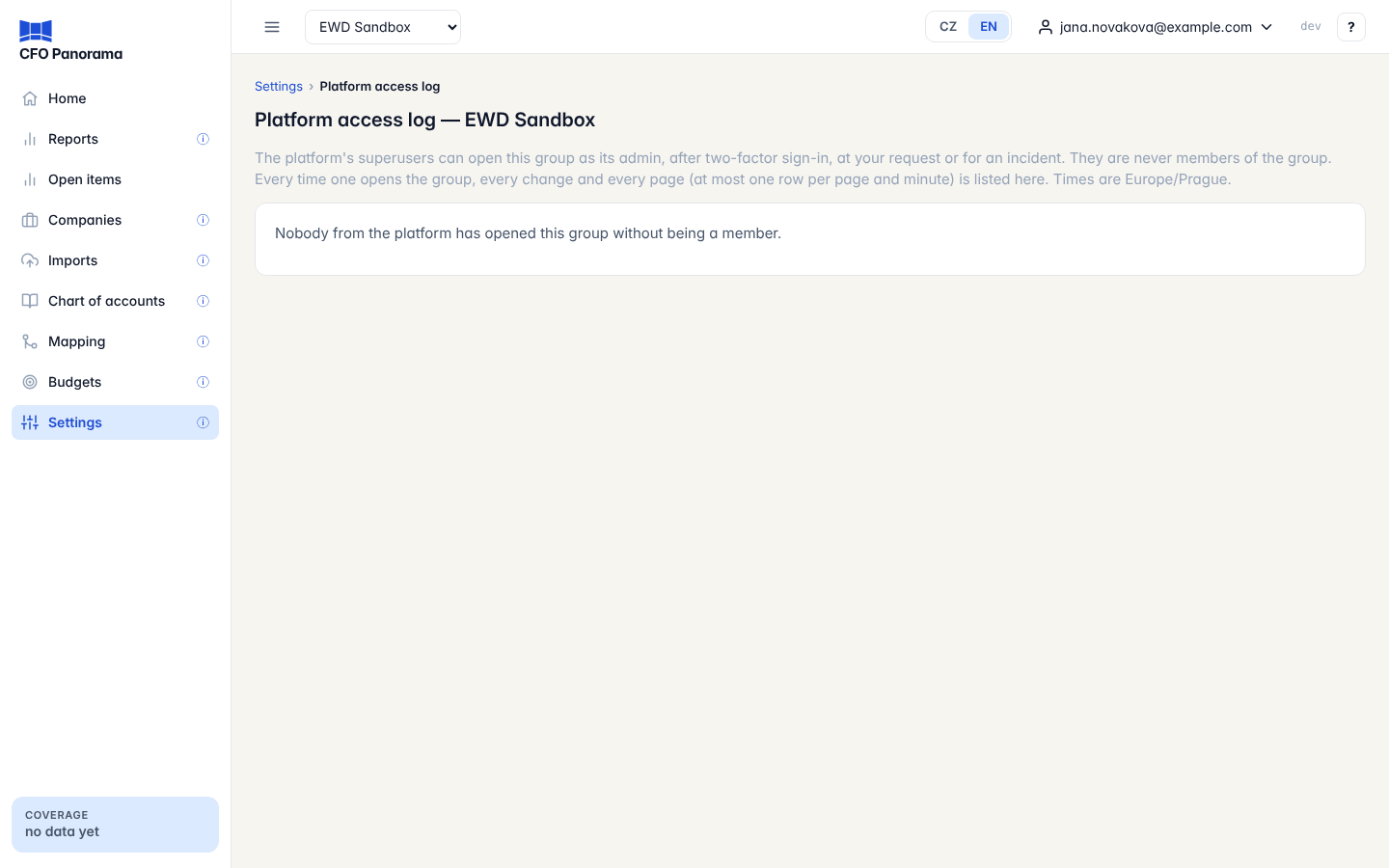
If nobody has entered, the page says Nobody from the platform has opened this group without being a member. Older entries called Support view … come from the earlier read-only support view, which is no longer used.
Good to know
- Only admins of the group see the log. Demo groups have no log.
- Access records are kept for 90 days. What a platform user changed in your group (imports, mappings, journals) stays in the group's history like any other change.
- If an entry looks unexpected, write to support from the ? menu (Contact support).
- See Data security and privacy for how your data are protected.
Did not find what you need? Write to erik@cfopanorama.com.