Restatement bridge
Compare a locked version, the current data or the state as of one import, line by line for one company, and drill down to the postings that changed.
On this page
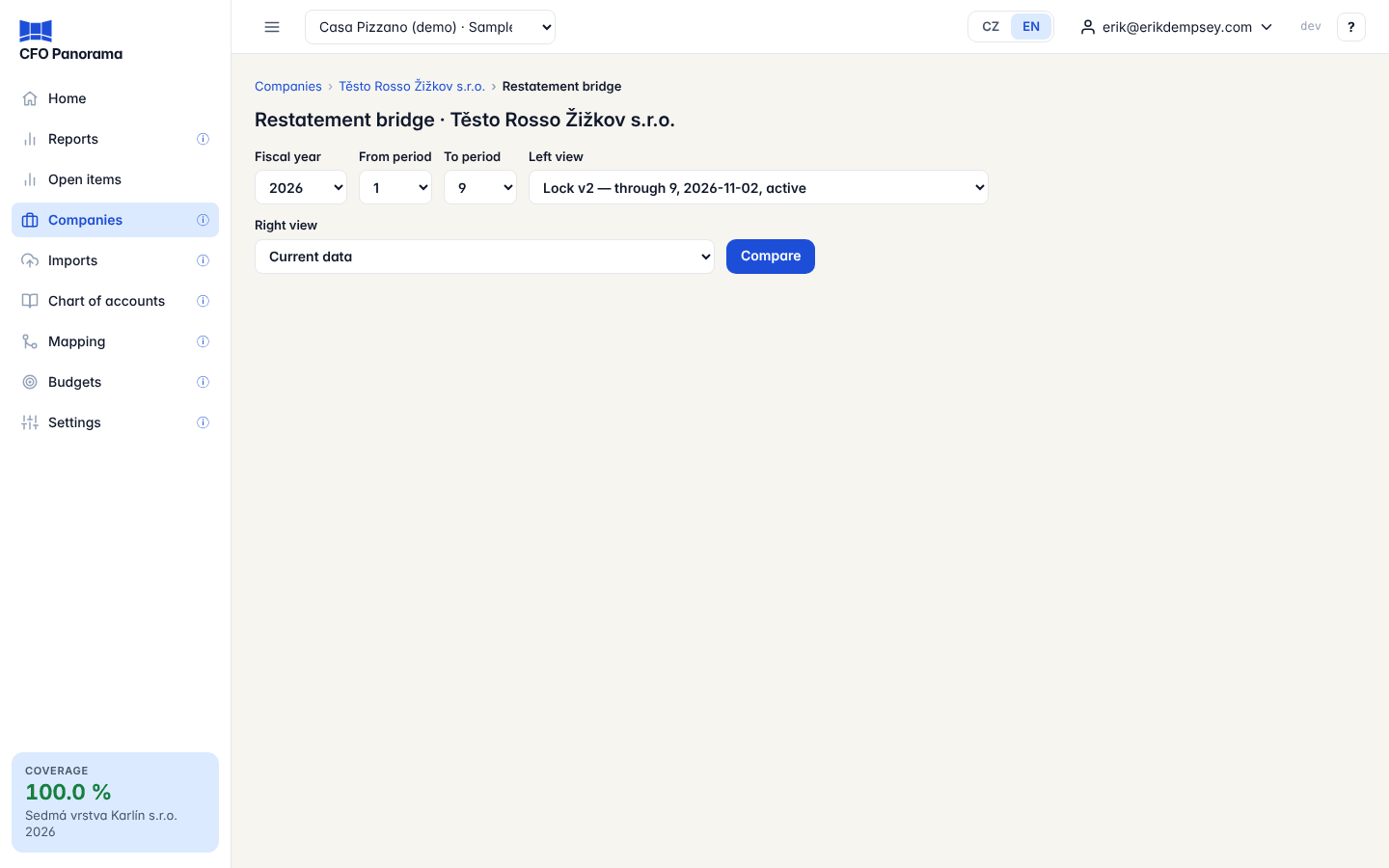
The restatement bridge answers one question: what changed? It puts two views of one company's fiscal year side by side — a locked version, the current data, or the books as of a particular import — and shows the difference on every line of the balance sheet and the P&L. From each difference you can open the postings behind it.
Where to open it
- On a company's Period locks page: Restatement bridge, Open the bridge next to differ from the snapshot, or Bridge vs current in the version history.
- In Reports: the banner Period locked as of batch …; current data differ has Open the bridge, and the notes of a restated year link to What version 2 changed against version 1.
- On a company's page under Companies: Restatement bridge.
Viewers who open it from a report can read it too.
The controls
| Control | What it does |
|---|---|
| Fiscal year | The year of the company to compare. |
| From period, To period | The months to compare (1–12 of the fiscal year). |
| Left view, Right view | The two sides. Each can be a lock (Lock v1 — through 5, date, state), Current data, or As of batch #… — export … (slow, audit use). |
| Compare | Runs the comparison. |
By default the bridge compares the active lock with the current data. A year without any lock compares the first import of the year with the current data, and says so.
What you see
Two tabs: Balance sheet at period N and P&L year-to-date through period N. Each line shows the left figure, the right figure and the Difference (right − left). A difference that is not zero is a link.
Below the table:
- Tie-outs — proof that both sides balance and that the P&L difference equals the change in the result in the balance sheet.
- Batches — the import each side is based on, with its export time.
- Journals — adjustment journals posted into the range.
- All lines — Every line that changed in the range lists all changed postings at once.
Step by step: see what a restatement changed
- Open the bridge of the company.
- Choose the Fiscal year and set To period to the last locked month.
- Set Left view to the earlier lock (for example Lock v1) and Right view to the later one (Lock v2), or to Current data to see what has changed since the lock.
- Click Compare and switch between the two tabs.
- Click a difference. Changed lines lists each posting that is new or changed between the two views: Line ref, Date, Document, Text, MD, D, Amount, Tags, Batch and Export timestamp.
The tags tell you why a line is there: is_ppa (added to a month already reported), superseded (replaced by a later export) or reinstated (back after it had been removed). At most 500 lines are listed; narrow the period range for more.
Good to know
- The bridge works in the company's own (functional) currency and on the group's standard balance sheet and P&L.
- It compares the books as imported. Mappings are not frozen by a lock, so a difference in the bridge is always a change in the accounting data, never a change of mapping.
- A lock view can be compared only up to the month it was locked through; a longer range shows an error.
- The As of batch view rebuilds the books as they were after one import. It is slower and meant for audit questions.
- The bridge only reads. It changes nothing; to accept the new figures in the reports, relock on the Period locks page.
Did not find what you need? Write to erik@cfopanorama.com.